
MICROSOFT 365 FOR INDIVIDUALS

Imagine. Create. Accomplish.

With Microsoft 365, get spacious cloud storage, advanced security for your data and devices, and powerful productivity
and creativity apps with Microsoft Copilot, all in one plan

For individuals
For business
For enterprise

Imagine. Create. Accomplish.

With Microsoft 365, get spacious cloud storage, advanced security for your data and devices, and powerful productivity and creativity apps with Microsoft Copilot, all in one plan
See plans & pricing

Explore even more benefits of Microsoft 365

Simplify your online security

Keep you and your family safer online with continuous monitoring for threats, real-time alerts, tips, and expert guidance from Microsoft Defender.

Powerful productivity apps with AI

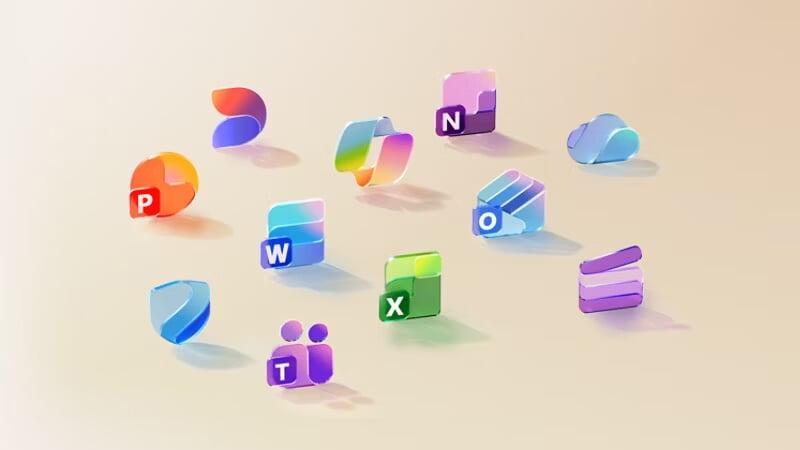
Streamline your day with desktop versions of apps like Word, Excel, PowerPoint, Outlook, and OneNote with Microsoft Copilot.

Trusted storage for priceless memories

Quickly save, share and edit your photos and files with OneDrive and Microsoft 365.

Make the most of your day

With Outlook as command central, you can spend less time organising your life and more time enjoying it.
All your ideas in one place

Capture inspiration in text, audio, photos and videos to create your next big idea with OneNote.

Tell your story, your way

Easily turn captured memories into beautiful videos with Clipchamp and Microsoft 365.
Office Home & Business 2024

  • One-time purchase for 1 PC or Mac
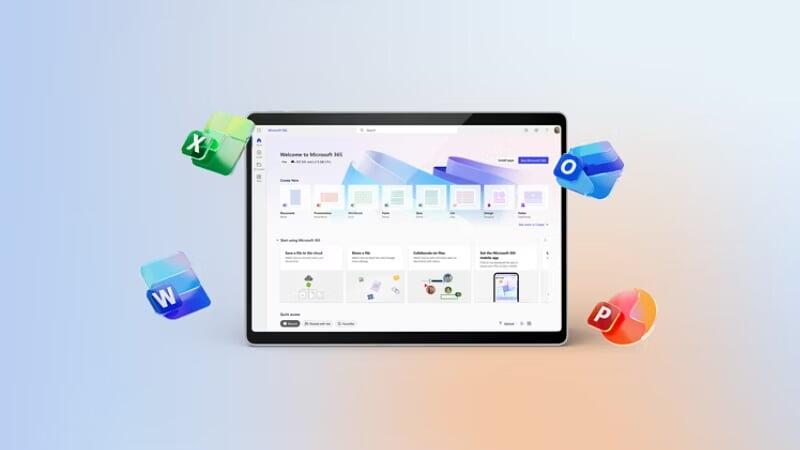
  • Classic 2024 desktop versions of Word, Excel, PowerPoint, Outlook and OneNote
  • Access to support resources
Buy now

Frequently asked questions

What’s the difference between Office 2024 (one-time purchase) and Microsoft 365 (subscription)?

You can edit text on your website by double clicking on a text box on your website. Alternatively, when you select a text box a settings menu will appear. your website by double clicking on a text box on your website. Alternatively, when you select a text box

Will Microsoft 365 be identical on a PC and on a Mac?
No. Microsoft 365’s applications are tailored for each platform and each operating system. The applications available for Mac users and the specific features included may be different from those available for PC users. With Microsoft 365, you can be flexible. With your account, you are not limited to exclusively Mac or exclusively PC, so you can transition across devices.
Do I keep control of my documents with a Microsoft 365 subscription?
Yes. Documents that you have created belong fully to you. You can choose to store them online on OneDrive or locally on your PC or Mac.
How many people can use a Microsoft 365 subscription?

You can share Microsoft 365 Family and Microsoft 365 Premium with five other people, for a total of six users. Microsoft 365 Personal can be used by one person.

What is Microsoft Defender?

Microsoft Defender is a cross-device security app that helps individuals and families protect their data and devices by continuously scanning the web for threats to your identity and personal data (US only). Defender also helps you stay safer online with malware protection, real-time security notifications, and security tips.  Download the Microsoft Defender app.

What is the difference between Microsoft Defender and Windows Security?

Microsoft Defender is a new cross-device app that helps people and families stay safer online. Microsoft Defender adds new features and a simplified user interface. Microsoft Defender also brings valuable device protection to iOS, Android, Windows and Mac, with malware protection, web protection, real-time security notifications and security tips. Microsoft Defender is available in the Apple, Google and Microsoft app stores and requires a Microsoft 365 Personal or Family subscription to use.

Windows Security, formerly known as Windows Defender Security Centre, is built-in security on Windows PCs to protect your device and data. Windows Security is pre-installed and automatically enabled. Windows Security includes Microsoft Defender Antivirus software that protects your Windows device and data against viruses, ransomware, trojans and other malware unless non-Microsoft Antivirus software is active.

What is Clipchamp?

A free in-browser video editing platform designed to make video creation accessible for everyone.

Can I share my AI benefits with others?

AI features included in Microsoft 365 Family and Microsoft 365 Premium plans are only available to the subscription owner and cannot be shared with others.

Talk to an expert to get started

Discuss plans with a product specialist

Learn more about our products, discuss use cases, or get pricing information.

Request a sales call

Start a live chat to get quick answers

Chat with an expert to get help selecting and purchasing the plan that best fits your organization.

Start a chat


Items have been added to cart.
One or more items could not be added to cart due to certain restrictions.
Added to cart
Quantity updated
- An error occurred. Please try again later.
Deleted from cart
- An error occurred. Please try again later.